01 / FAYBL Agent

Fay, your teammate.

Your people. Your systems. One connected experience.

Research, meetings, documents and follow-through, brought together for advisers, operations and compliance. Your firm's methods. Your team's permission.

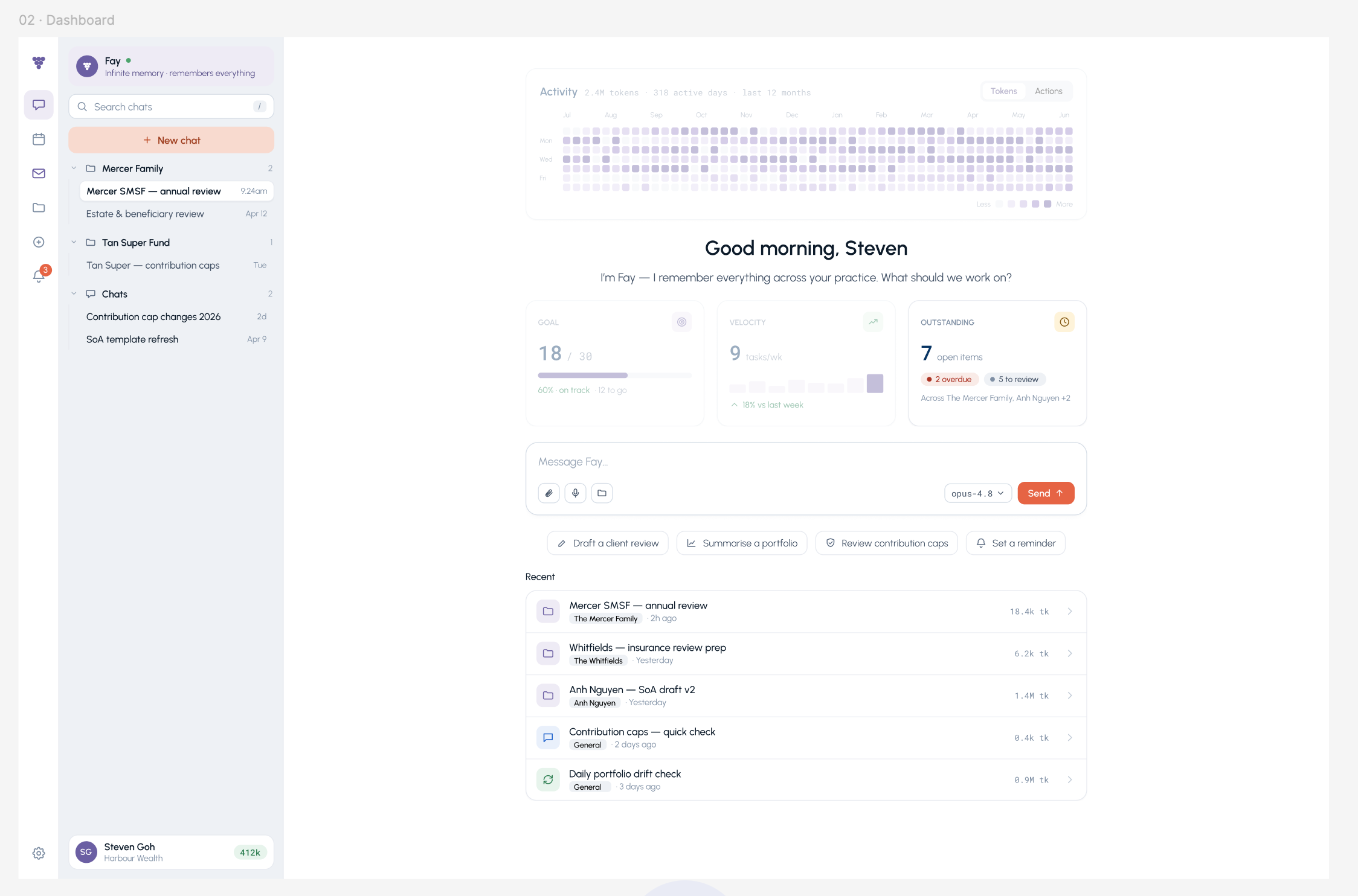
Fay's workspace displaying recent client work and priorities
A place to begin, with your firm's work in context.

03 / Your firm's way of working

Every firm is different.
Fay should know yours.

Your templates, policies and ways of working are part of the service you provide. Bring them into a shared library so Fay can work with the material your firm makes available, not just a generic prompt.

Keep firm-distributed standards consistent, make the right versions available, and decide what Fay can use. Professional review remains part of the process.

Show us how your firm works
01

Standard operating procedures

Your onboarding, review and follow-through methods, including the people responsible at each step.

02

Templates and brand

Your file notes, advice documents and client communications, with the formats and language that fit your firm.

03

Policies and compliance

Firm-distributed policies and review requirements to guide the work, without treating AI output as a compliance sign-off.

04

Reference material and skills

Reusable knowledge and instructions, connected to the client task and controlled through visibility and versions.

04 / Connected work

One teammate. Across your stack.

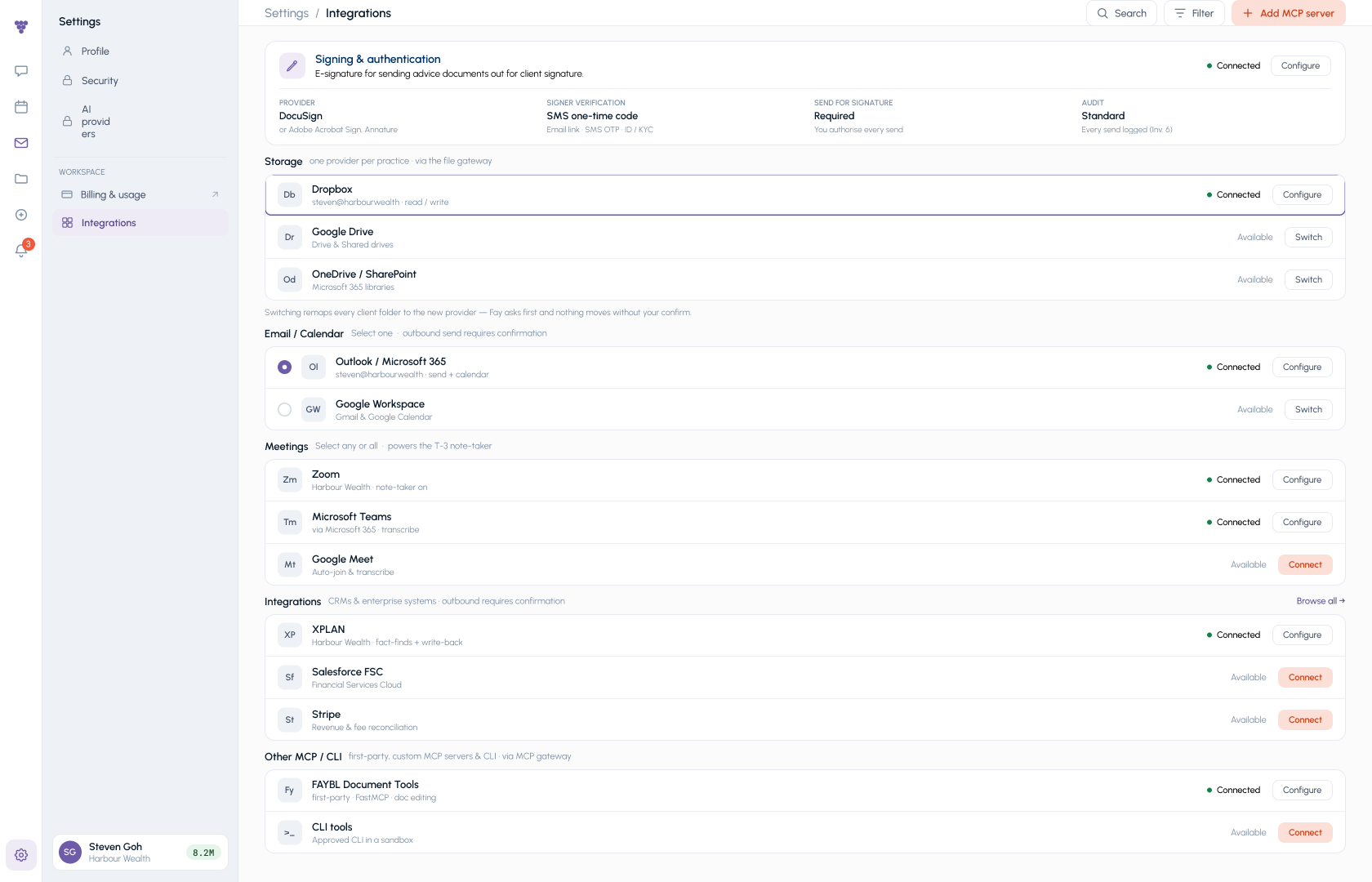
Keep the systems your practice already knows. Fay connects supported advice, CRM, email, calendar and document tools, bringing context and approved actions into one experience.

Understand the controls
Colleagues moving between connected work areas, with a shared library, calendar and existing tools
  • XplanAdvice and CRM
  • intellifloAdvice and CRM
  • SalesforceCRM
  • Microsoft OutlookEmail and calendar
  • GmailEmail
  • Google CalendarCalendar
  • Microsoft TeamsMeetings
  • Google DriveDocuments
  • SharePointDocuments
  • DocuSignSignatures

Availability, permissions and supported actions depend on your deployment. We confirm the connections and meeting note-taker that fit your practice before setup.

Hundreds more in the pipeline.

Our integration roadmap extends well beyond this selection. These are planned connections, not a claim that every integration is available today. Ask us about the systems your practice needs.

05 / The bottom line

Six capabilities
and one bottom line.

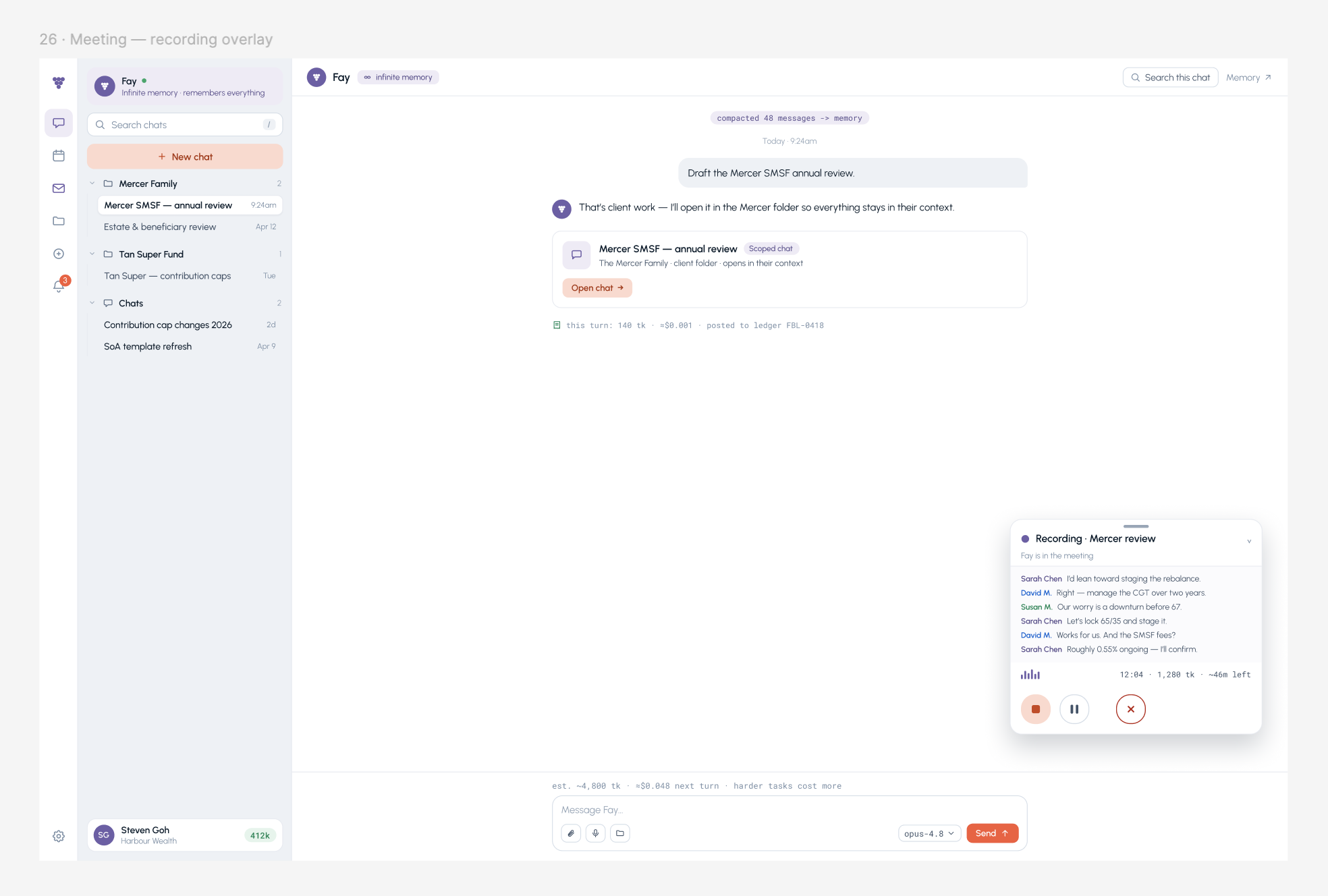
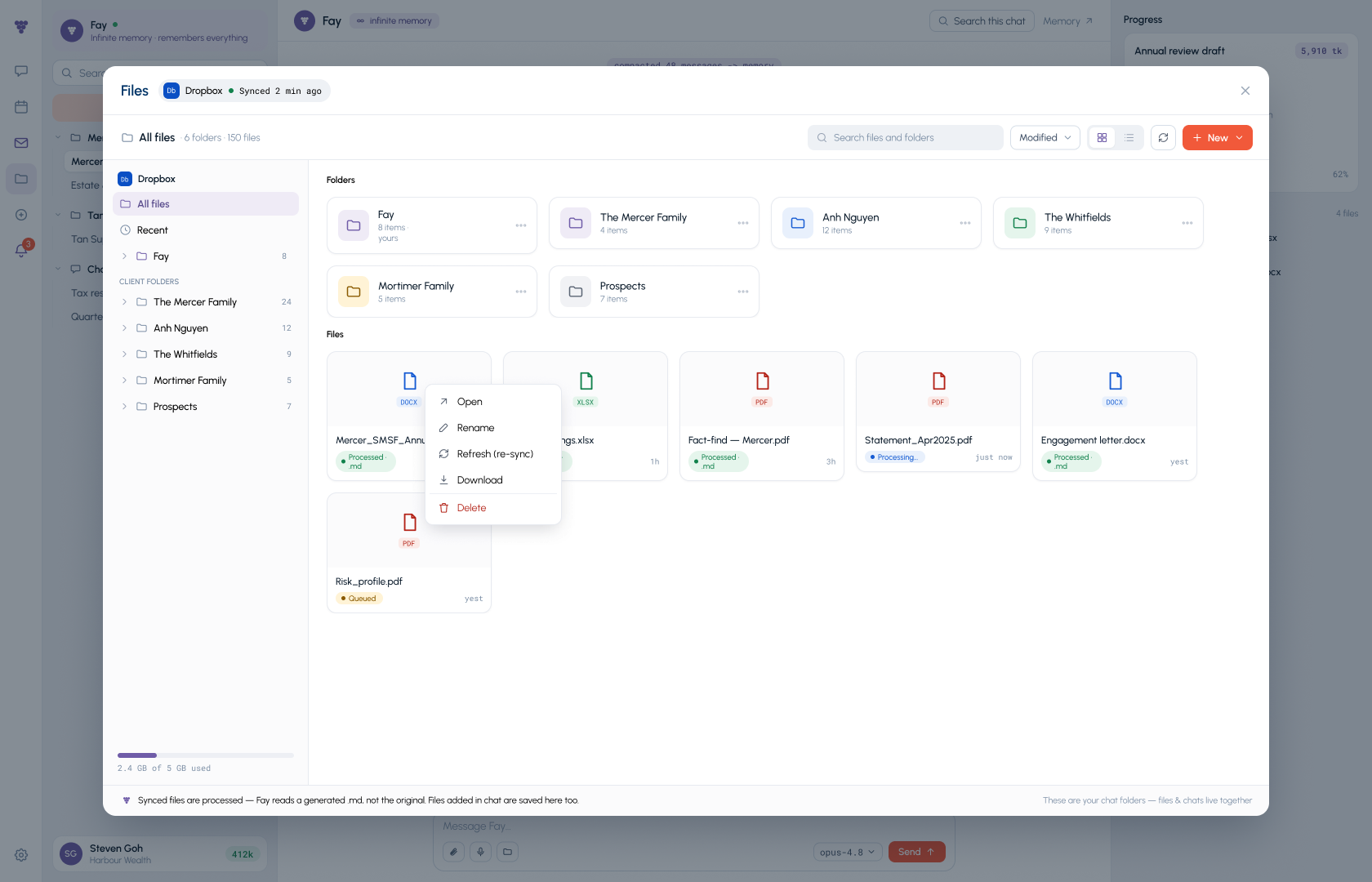
An agent, meetings, documents, storage, integrations and privacy belong in one working experience. Fay brings them together around your people and your firm's methods, rather than asking you to assemble the experience task by task.

Different starting points for AI at work
Feature areaFayA firm-connected teammateMeeting note-takerA conversation-first toolFunctional AI platformA task or function-first toolGlobal AI platformFor example, Claude or Codex
AgentPlan and carry through work with firm context and approval points.Typically starts with capturing and summarising conversations.Typically starts with a defined task or departmental workflow.Broad agent capabilities; configure the context and workflow for your firm.
MeetingsCalendar, preparation, notes and follow-through in one experience.Notes, summaries and action items are the core experience.Meeting inputs may feed a specific process.Meeting support varies by product, tools and connections.
DocumentsPrepare work using client files, approved templates and your library.Typically centred on transcripts, notes and exported summaries.Documents tailored to the supported business function.Broad document or file capabilities, depending on the product.
StorageClient files and firm knowledge in the context of ongoing work.Typically a library of recordings and meeting records.Files held in, or connected to, the functional workspace.Project files, local files or connected storage, depending on the product.
IntegrationsSupported advice, CRM, email, calendar and document connections.Often meeting, calendar and CRM connections.Connections selected for the target workflow.Connectors, tools and extensibility; coverage varies by product.
Privacy / sovereign AIAgree access, hosting, model use and data-location requirements for your deployment.Assess recording consent, retention and provider terms.Assess the platform and any underlying model providers.Enterprise controls and deployment options vary by provider and plan.
Bottom line: ROIMeasure the whole workflow: staff time, rework and turnaround, against total deployment and running costs.Measure time returned from meeting capture and follow-up against subscription and review costs.Measure improvements in the target process against setup and ongoing operating costs.Measure gains across selected tasks, including configuration, integration, usage and review costs.

A comparison of typical starting points, not a claim that other products lack these capabilities. Products and plans vary. FAYBL features and connections depend on your deployment. Sovereign AI requires agreed hosting, processing, model-provider and access arrangements; it is not implied by a privacy setting.

06 / Your next step

One teammate. A better way to work.

Bring a workflow from your firm. We will show how Fay connects the people, information and systems involved, and help you assess the return in time, service and cost.